Sigma Plus v.1.00.04
Qcom Tab:
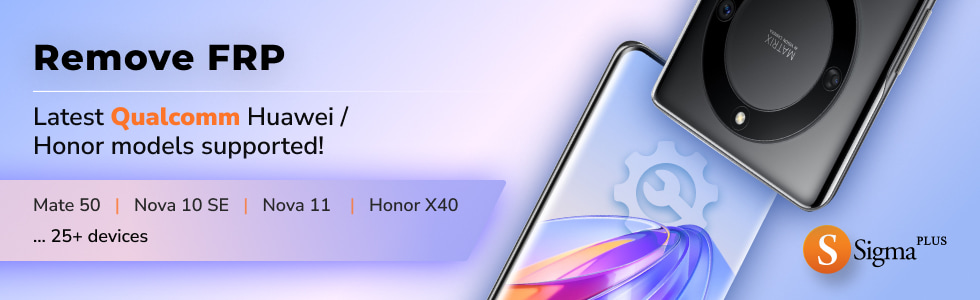
- The following Huawei and Honor models were added to the list of supported for Remove FRP service operation*:
- Honor 70 Lite (RBN-NX1)
- Honor 80 (ANN-AN00)
- Honor Play 30 Plus (CMA-AN00)
- Honor X40 (RMO-AN00)
- Honor X40 GT (ADT-AN00)
- Honor X9 4G (ANY-AN00)
- Honor X9 4G (ANY-LX1)
- Honor X9 4G (ANY-LX2)
- Honor X9 4G (ANY-LX3)
- Huawei Enjoy 60x (STG-AL00)
- Huawei Enjoy P60 Pro (MAO-AL00)
- Huawei Enjoy P60 Pro (MAO-L29)
- Huawei Mate 50 (CET-AL00)
- Huawei Mate 50 (CET-LX9)
- Huawei Mate 50 RS (DCO-AL00)
- Huawei MatePad SE (AGS5-W09)
- Huawei Nova 10 (NCO-AL00)
- Huawei Nova 10 (NCO-L21)
- Huawei Nova 10 Pro (GLA-AL00)
- Huawei Nova 10 SE (BNE-AL00)
- Huawei Nova 10 SE (BNE-LX1)
- Huawei Nova 10 SE (BNE-LX3)
- Huawei Nova 11 (FOA-AL00)
- Huawei Nova 11 Pro (GOA-AL80)
- Huawei P60 (LNA-AL00)
- Huawei P60 (LNA-LX9)
- Huawei P60 Art (MNA-AL00)
- We introduced some adjustments and improvements to the service operations.
Therefore, we highly recommend using only the latest software version to ensure the best performance.
* These models have been added in a test mode.
If you have a Qualcomm-based model that is not present in the list of supported models, you can always try connecting it using the Qcom Autodetect option.
For detailed instructions, please refer to the FRP Remove using Testpoint manual. Access all available Huawei/Honor testpoint pictures here.
Compare
No items in compare list
Compare
