
Authorization Code for ZXW Software allows to obtain 1 year access to diagrams and bitmaps. No dongle required!
ID: 886489


Digital product. No refunds, no returns.
The order will be processed within 1-2 minutes during business hours, starting from the moment we receive your full payment. (learn more) and all the required information. We will send the beginner instructions to your email. FAQ
Depending on the chosen payment option, your payment may take some time to reach us.
Approx. processing time:
PayPal ~ 10 min
Visa/Mastercard WorldPay ~ 60 min
EBANX (online method) ~ 60 min
JCID Intelligent Drawing is a handy tool for iPhone and Android phones hardware repair.
This software includes: maintenance maps, diagrams, schematics, and pictures.
This is activation for 1 month.
After your order is completed, we will send a notification to your email. How to activate?
Download JCID Intelligent Drawing
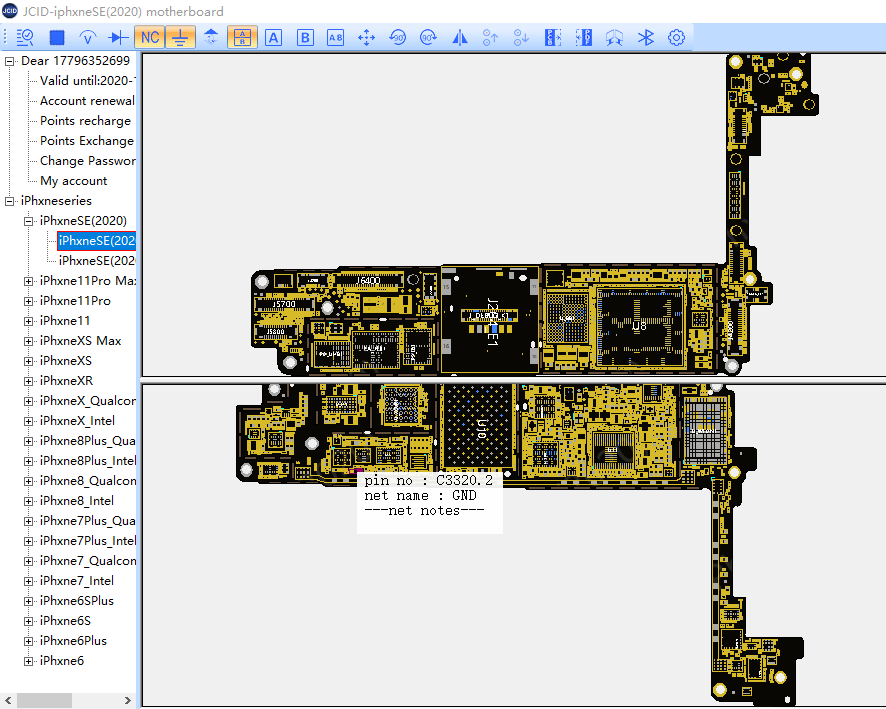
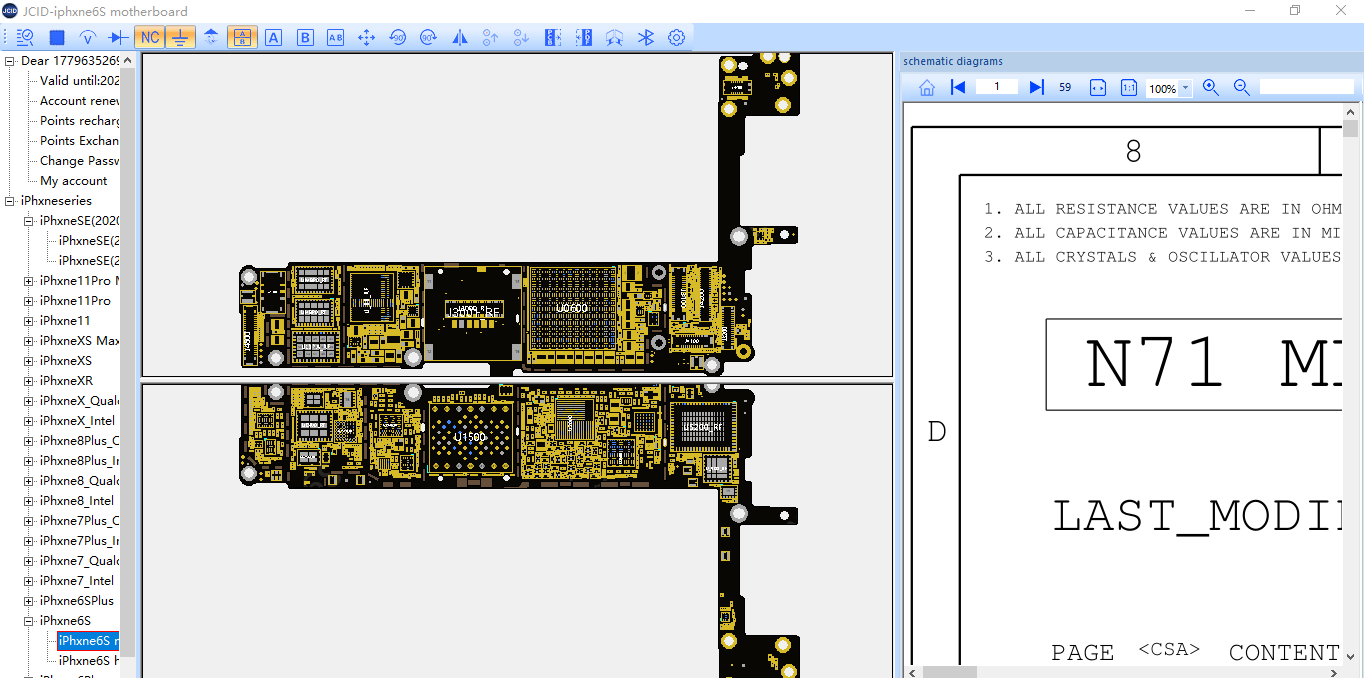
To switch between a physical picture and a PCB diagram, click the "Display physical object" icon.
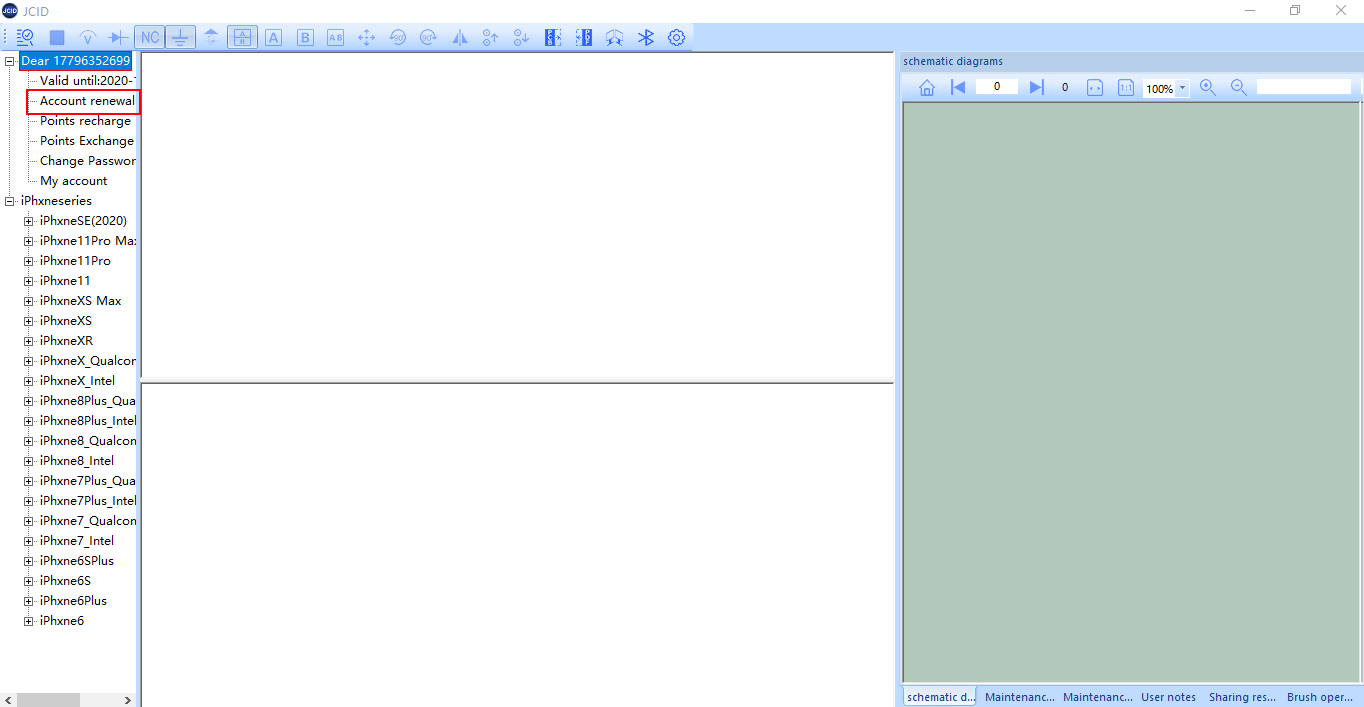
Where to find a card number and a password:
As soon as your order is completed, you will receive a notification on your email with your card number and password.
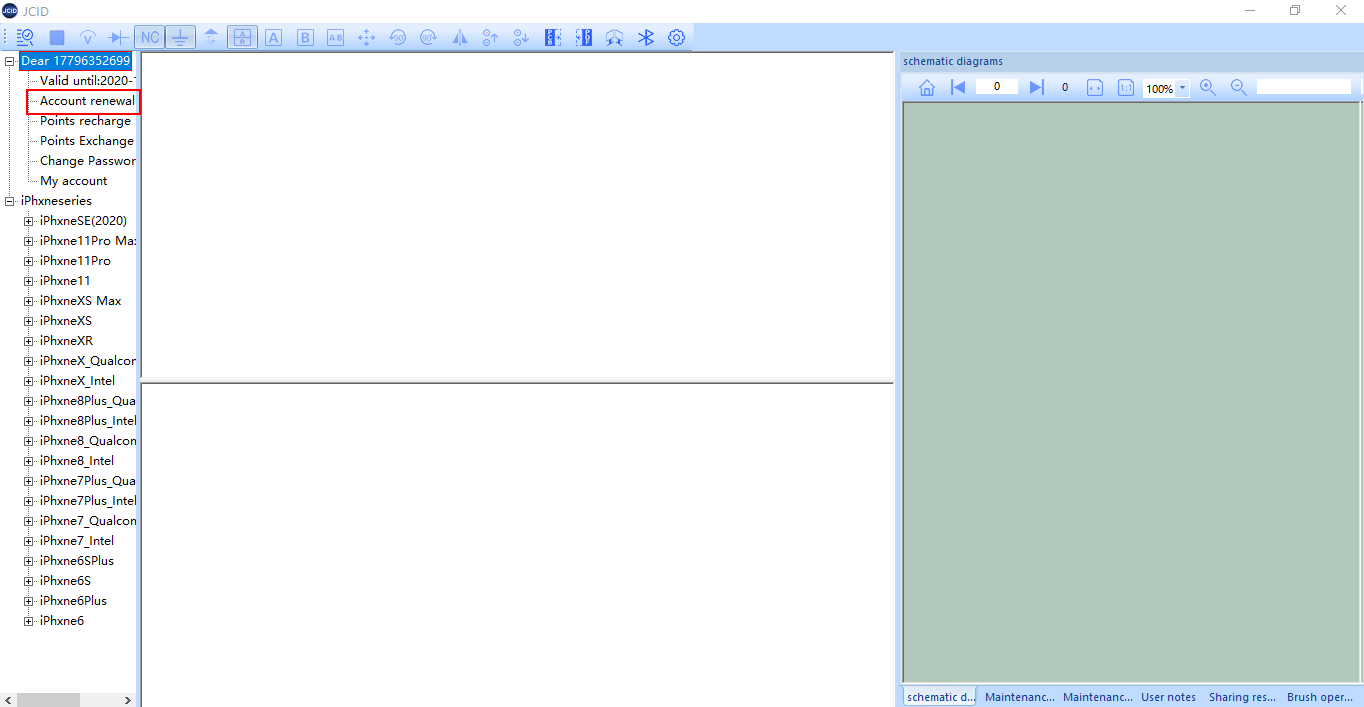
Where to find a card number and a password:
As soon as your order is completed, you will receive a notification on your email with your card number and password.
| Activation is compatible with the following models of Cell phones |
|


